Switch windows, not apps.
Hold Option, press Tab, and every window on the screen shows up with a live preview. Let go on the one you want. A menu bar app for macOS that does that one thing.
macOS 14 or newer
Switch
Hold Option, press Tab, let go on the window you want. Windows, not apps — the arrow keys and the mouse work too.
Preview
Every window drawn live, or as app icons, in a row or a column. Too many of them? It becomes a list.
Act
Close, minimize, full-screen or quit from inside the switcher — ⌘W, ⌘M, ⌘Q, or the buttons on the preview.
Make it yours
Light, dark or system, five accents or your own colour, opacity, preview size, and whichever modifier and key you prefer.
What it looks like
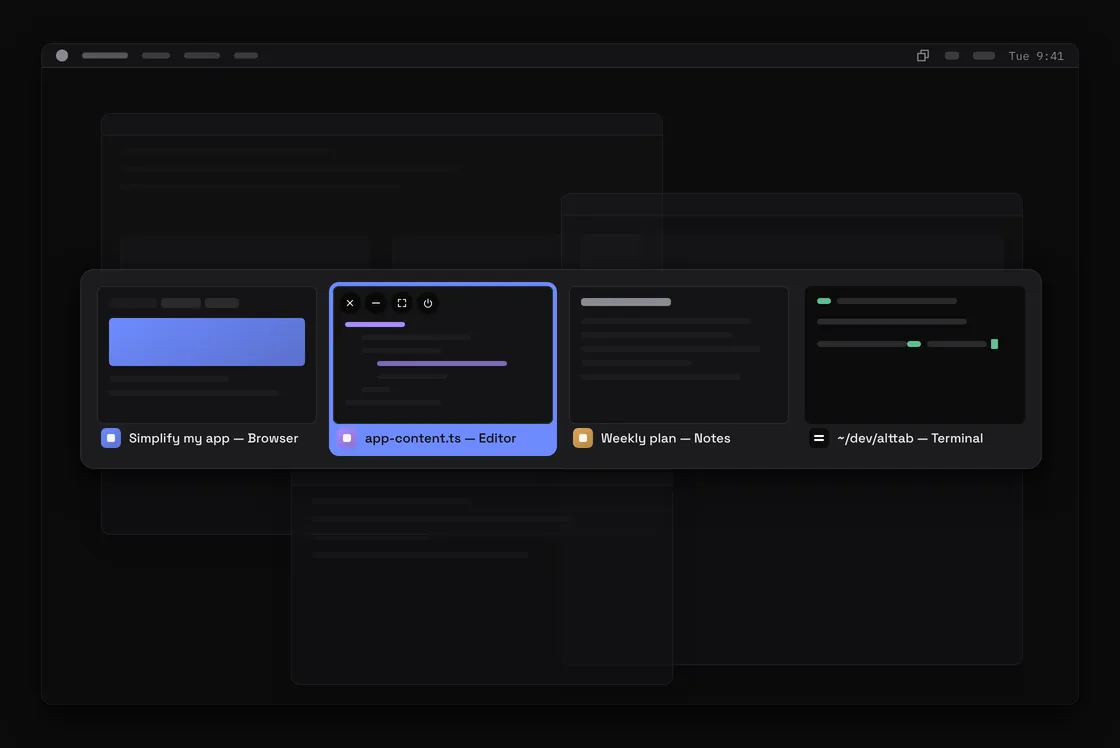
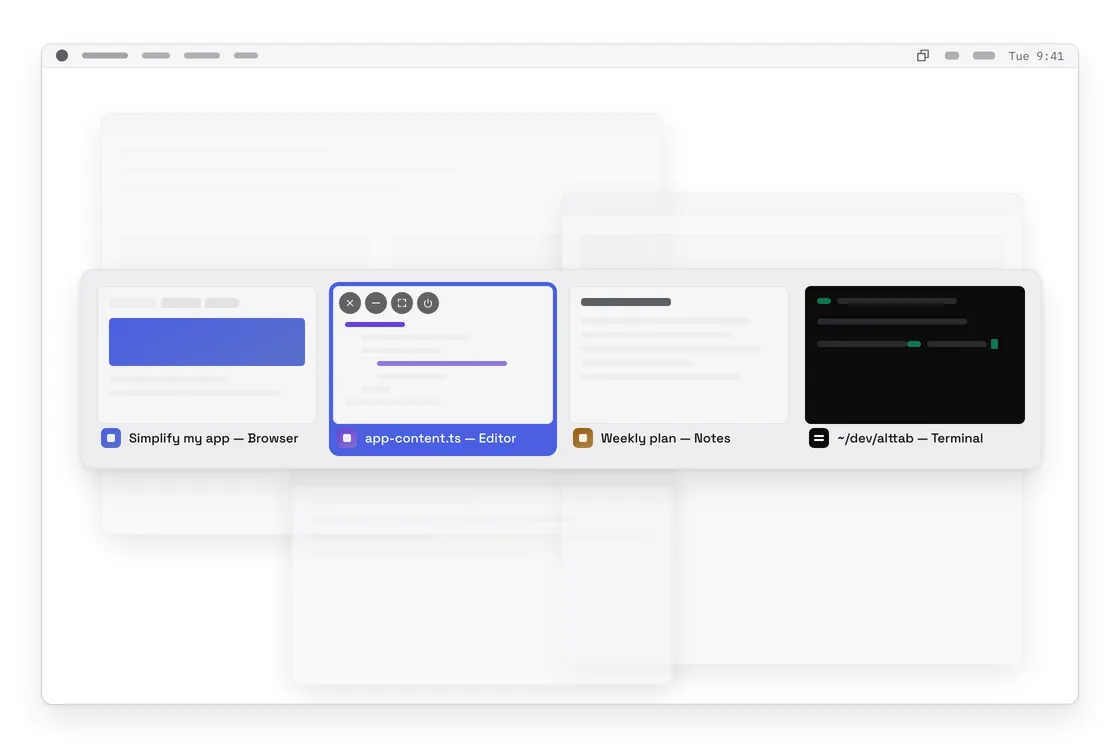
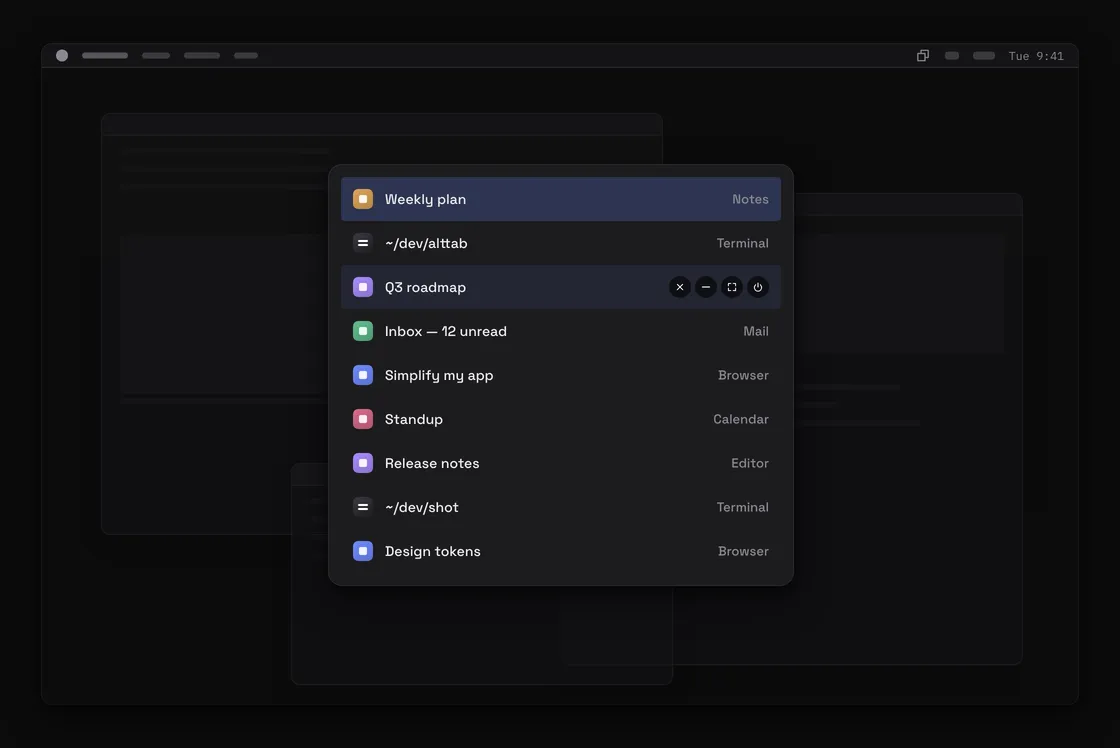
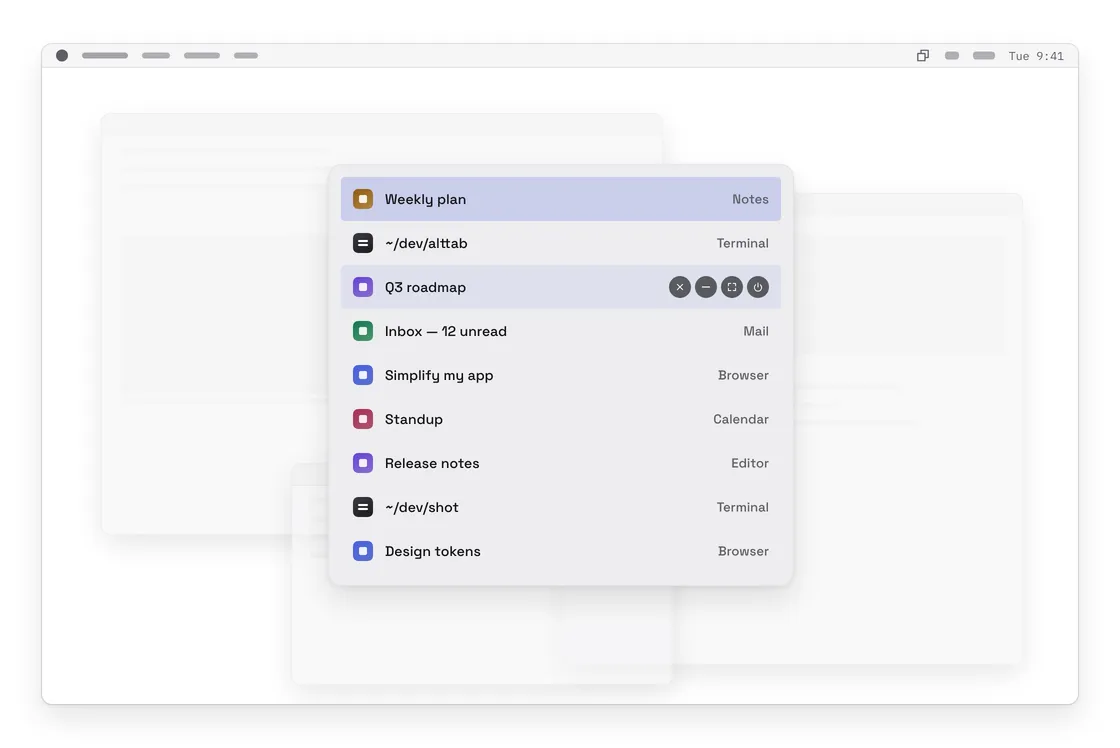
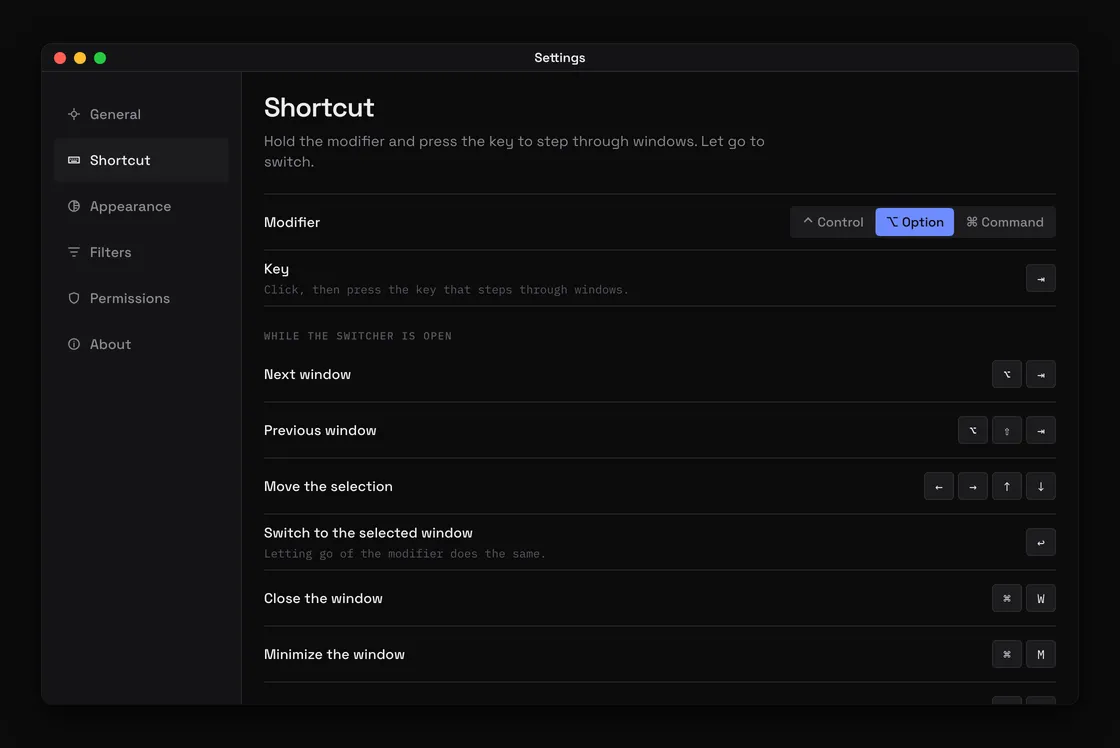
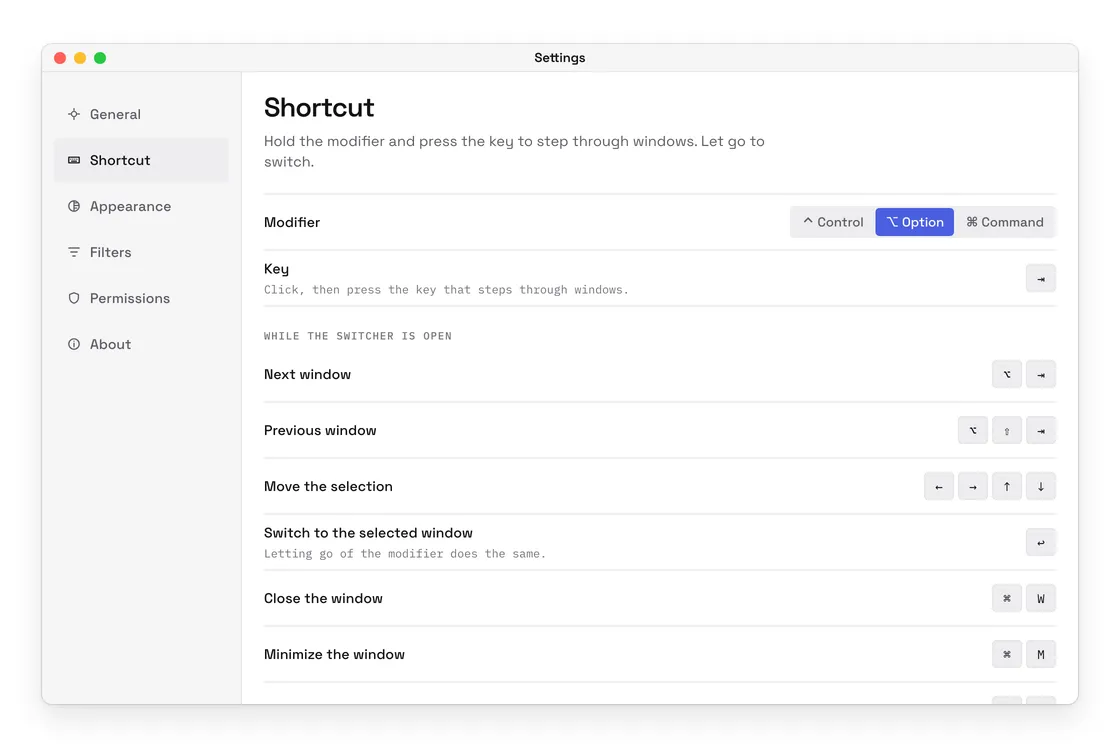
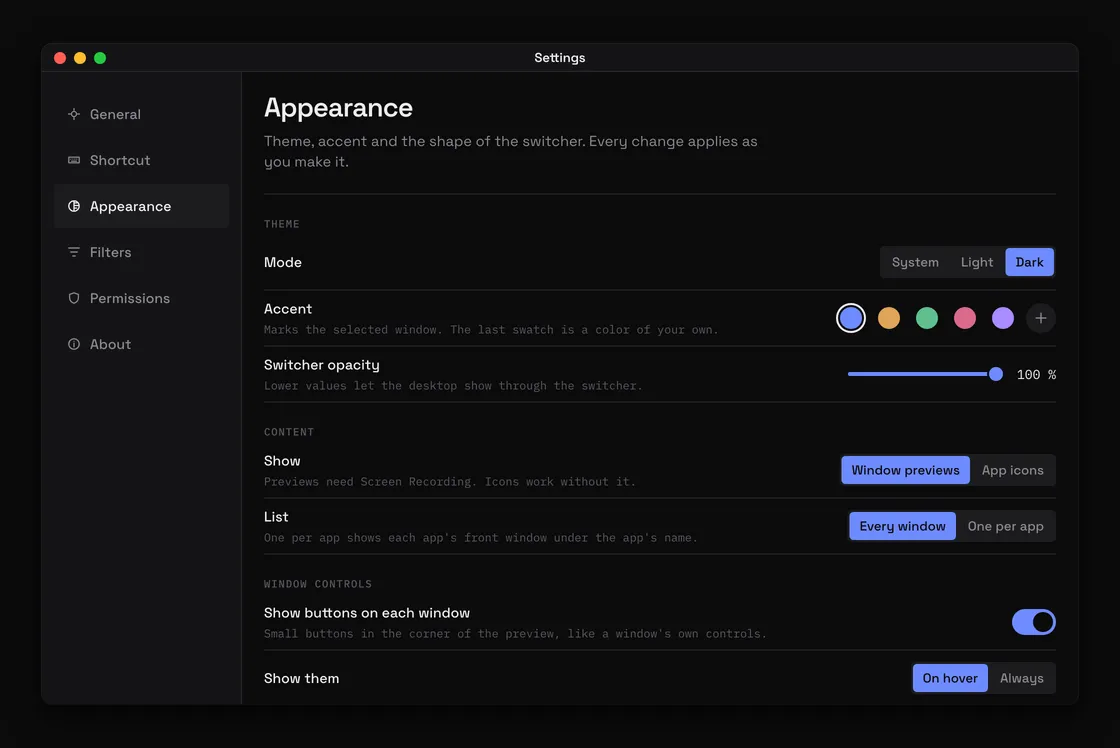
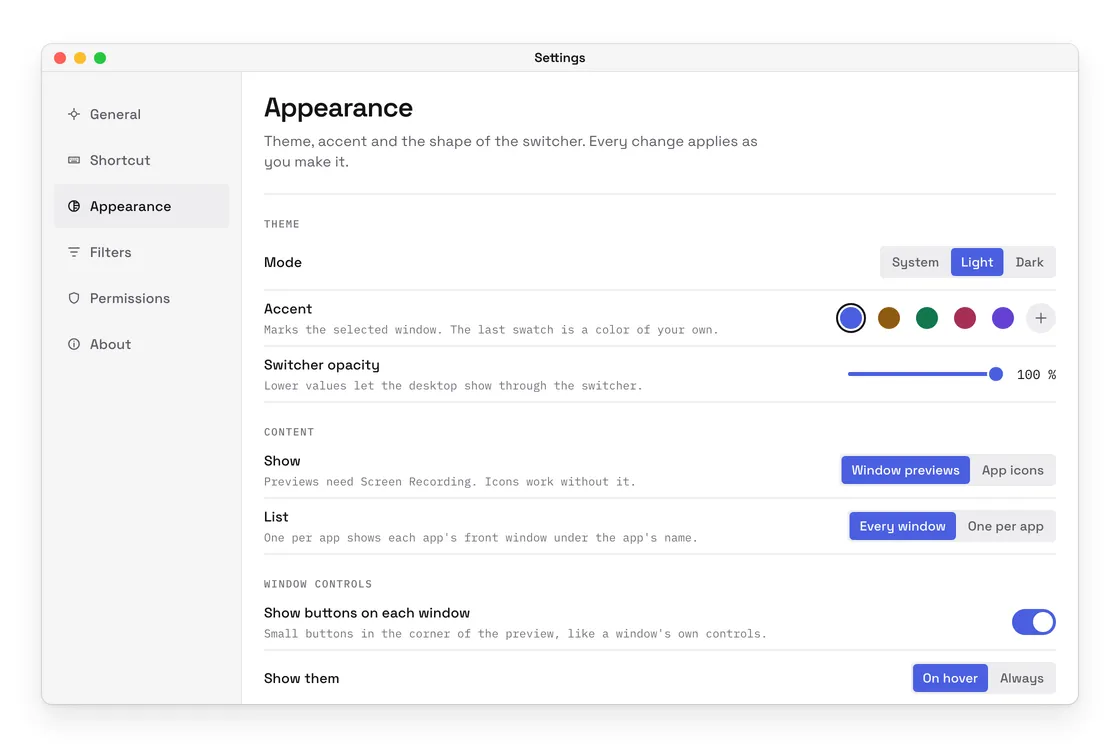
Interface previews drawn from the current build. The windows inside them are stand-ins, not real screens.
Command-Tab moves between apps and leaves you hunting for the window afterwards. This one lists the windows themselves — by recent use, by app or by title — and draws each as a live picture, or as its app icon if you would rather. Close, minimize or quit straight from the switcher, by key or with the small buttons on the preview. When there are too many windows for pictures, it turns into a list.
It is a menu bar item and a shortcut, nothing more. No account, no analytics and no upload; the only thing that ever leaves the Mac is its own check for a newer version.
What it does
- Option + Tab through windows, not apps
- Live window previews, or app icons
- Sort by recent use, by app or by title
- Every window, or one per app
- Horizontal or vertical, three preview sizes
- A list when there are many windows
- Close, minimize, full screen and quit from the switcher
- Middle click closes a window
- Control, Option or Command, with any trigger key
- Exclude the apps you never want listed
- Starts at login, lives in the menu bar
- Light, dark and system, five accents or your own
Built on the same design system as the other apps.
Tell me what a window switcher must have and it goes into the next release.
Request a featureTell me what a window switcher must have and it goes into the next release.