Take the shot. Say what matters on it.
A screenshot tool should take the picture, let you mark it up and get out of the way. This one does that on macOS and Windows.
Capture
Area, window, fullscreen, delayed — or a scrolling page stitched back into one image.
Annotate
Arrows, shapes, text, counters, freehand, highlighter, blur. Every object stays editable.
Read
Pull the text out of any screenshot, decode a QR code, lift a colour in HEX, RGB, HSL or OKLCH.
Keep
Pin a shot on top of everything, or drop it on a backdrop and export it finished.
What it looks like
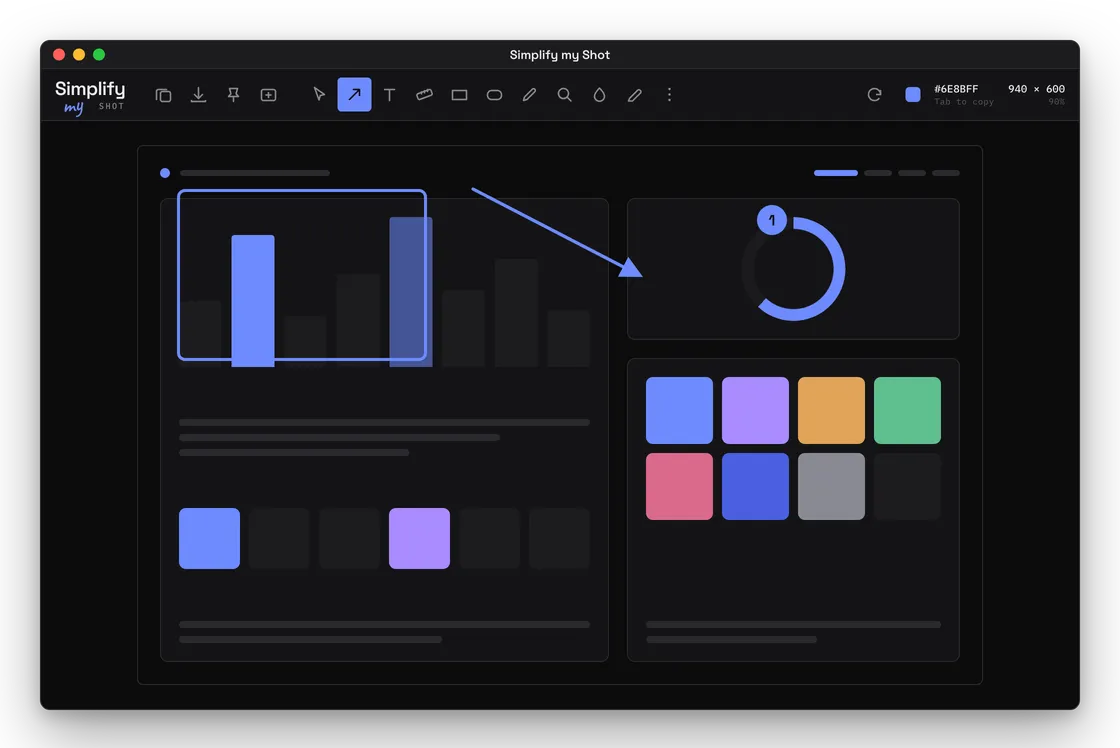
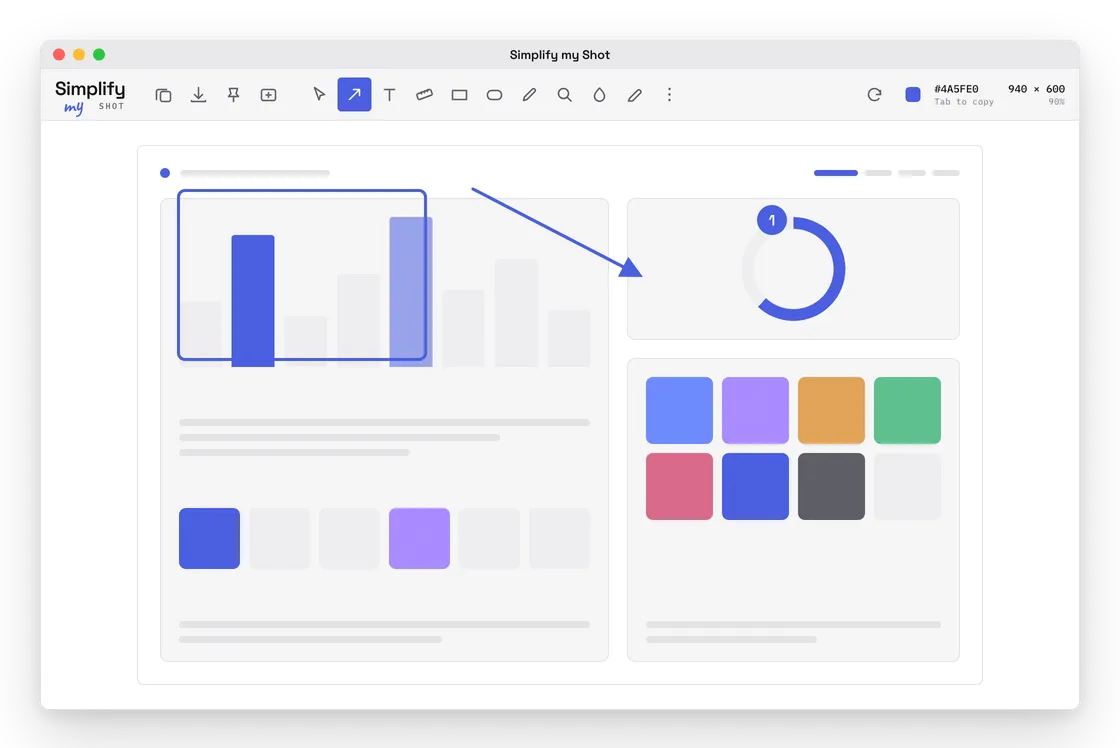
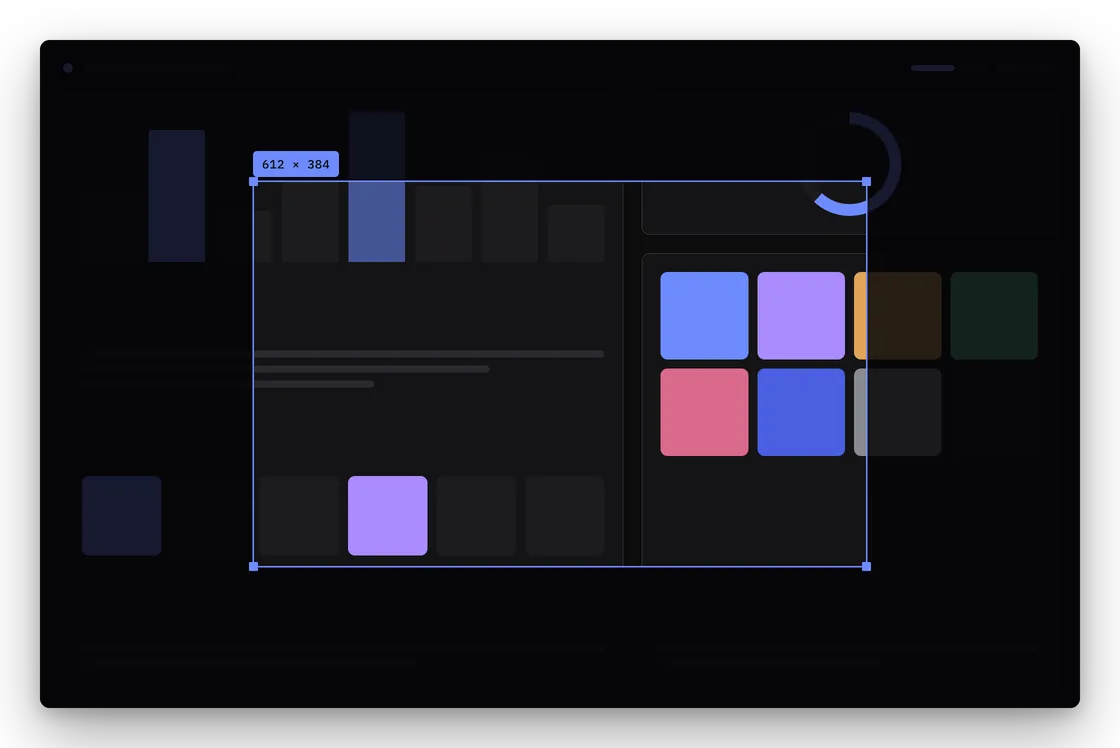
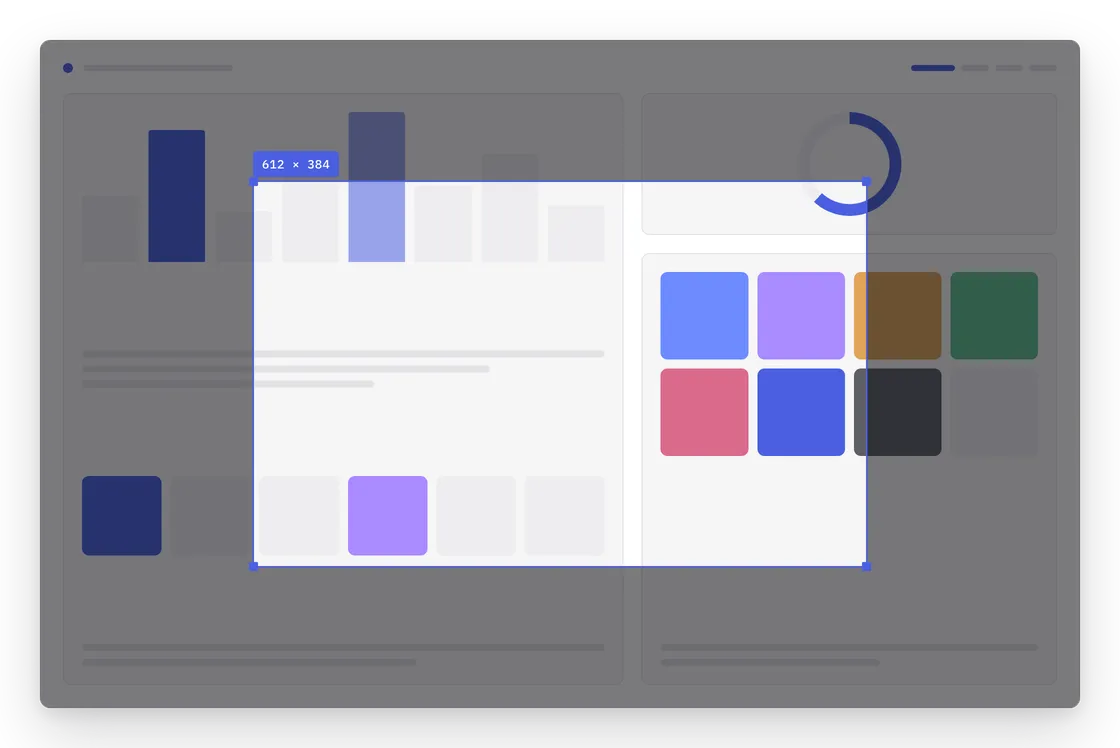
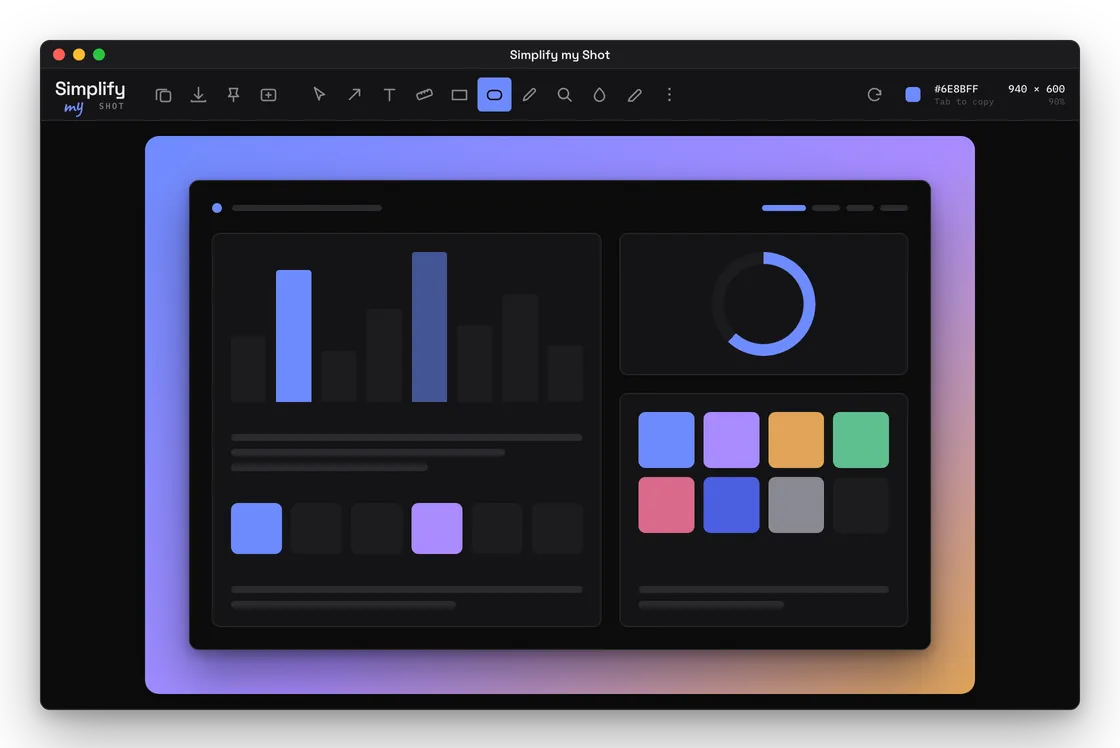
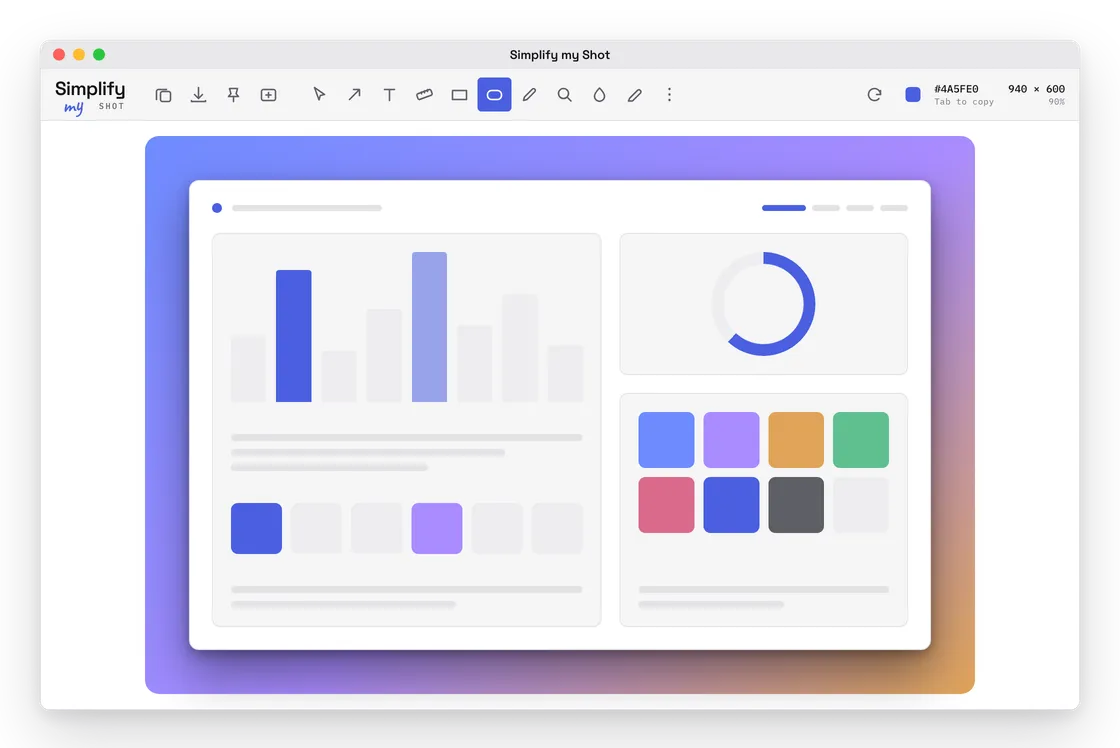
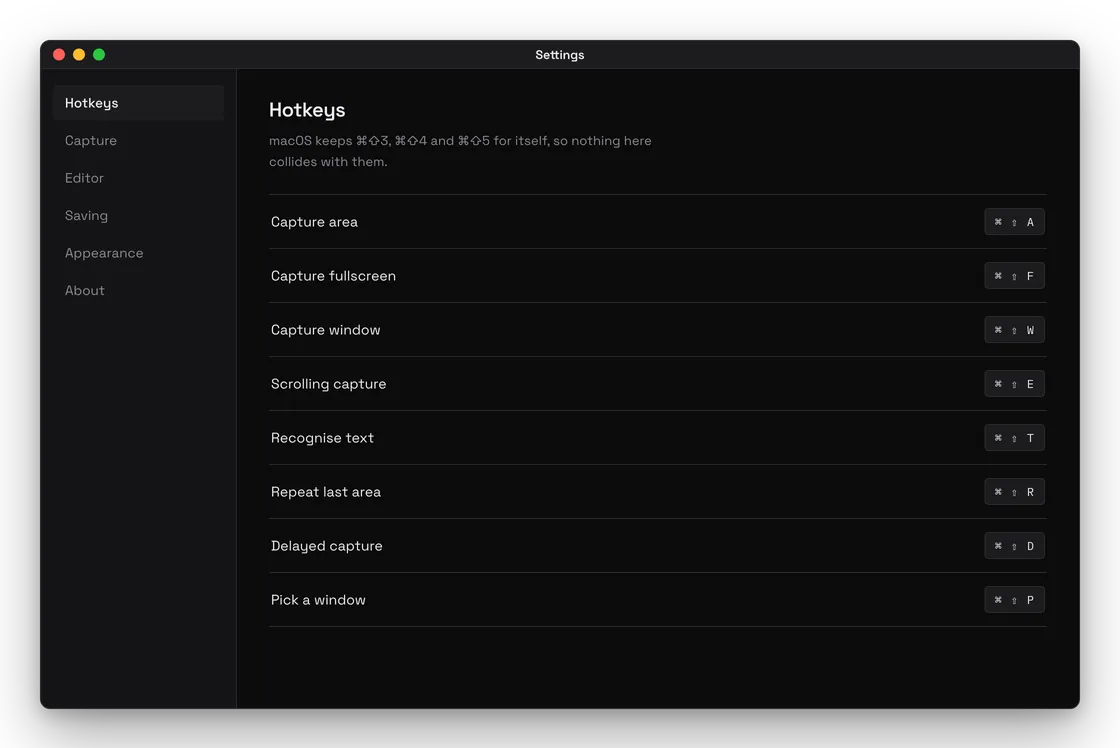
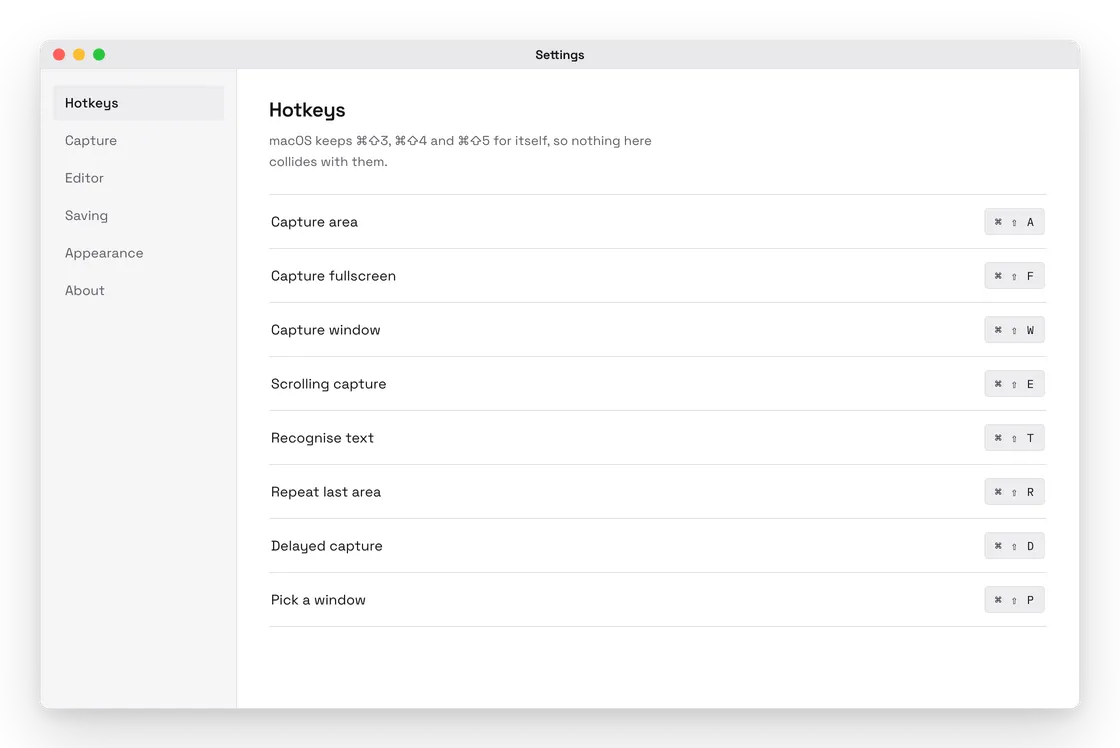
Interface previews drawn from the build in progress — macOS shown, Windows is the same app.
Drag out an area, grab a window with its shadow, or let it scroll a long page and stitch the frames back together. Then arrows, boxes, numbered steps, a blur over what should not be in the picture, and a ruler that writes the measurement into the image. It reads the text out of a screenshot too, so a number on screen becomes a number you can paste.
There is no account, no library in the cloud and no upload. A screenshot is a file on your disk, which is what it always was.
What it does
- Area, window, fullscreen and delayed capture
- Scrolling capture, stitched by overlap
- Arrows, shapes, text, counters, freehand
- Blur and pixelate: area, text-only or erase
- Ruler and guides that imprint measurements
- Colour picker: HEX, RGB, HSL, OKLCH
- Contrast checker with WCAG and APCA
- Text recognition and QR decoding
- Pin a shot above every other window
- Backdrop: gradient, padding, shadow, corners
- Undo everything; the original is never touched
- Light, dark and pure black, five accents
Built on the same design system as the phone apps.
Tell me what a screenshot tool must have and it goes in before release.
Request a featureTell me what a screenshot tool must have and it goes in before release.